Run table ordering, kitchen display and POS in one system.
Customers scan a table QR code, enter their name and phone number, choose menu items, add item notes, and send orders straight to the kitchen. Staff can manage orders, payments and receipt printing without manual tickets.


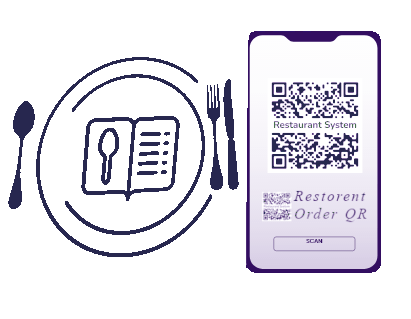
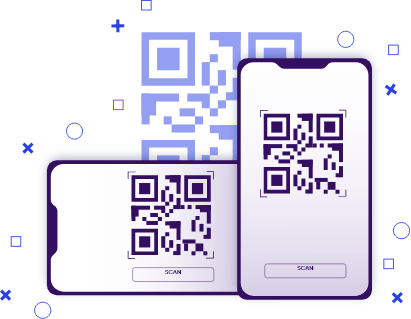 TABLE 20
All essential restaurant workflows in one place
This is more than a digital menu. It supports table ordering, kitchen operations, POS payments and core reporting so daily service stays faster and better organized.
QR Menu by Table
Each QR code can carry the table number, so customers do not need to select the table again when ordering.
Cart & Add-on Order
Customers can add more items under the same order session. Staff can see new orders without refreshing the page.
Kitchen Display
The kitchen view sorts orders by FIFO, tracks completed items, and plays a sound when a new order arrives.
POS Payment
Cashiers can view orders by phone number, calculate totals, enter payment received, print receipts and close bills.
From QR scan to printed receipt
- 1. Customer scans the QR code and enters their name and phone number once.
- 2. Customer orders from the menu with item notes such as take away, less sugar or no vegetables.
- 3. Kitchen receives the order live and marks items as completed when they are ready.
- 4. POS handles payment, prints the receipt and clears the customer session after payment.
Abu - 0193333333
Membership Plan